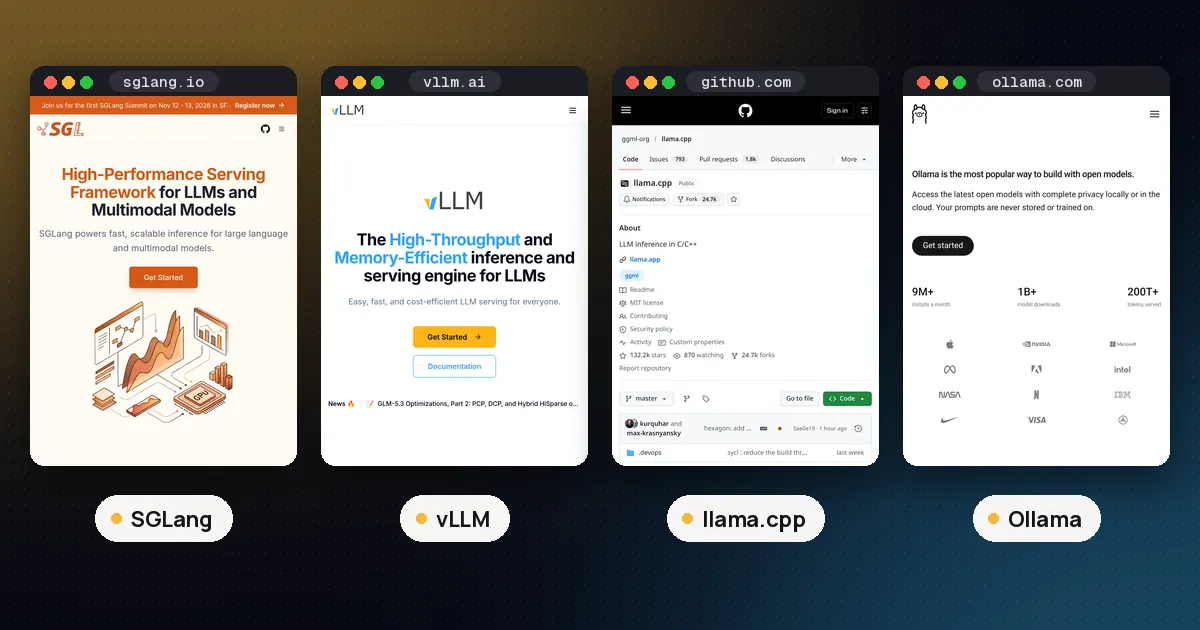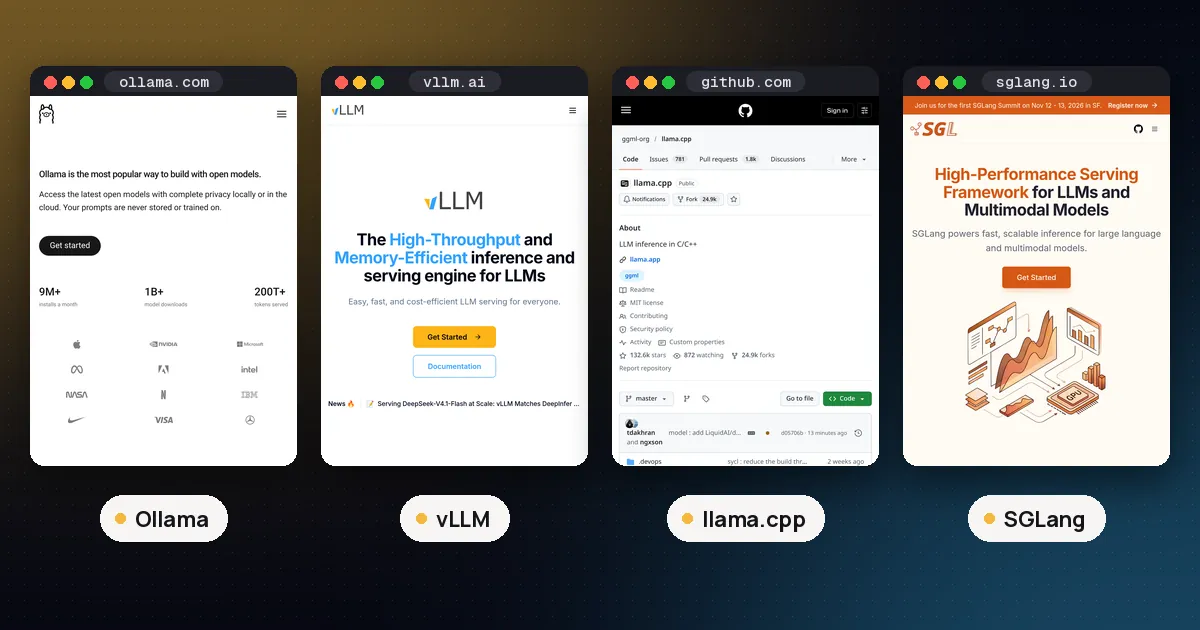
Ollama vs vLLM in one line: pick Ollama to run a model on your own laptop, desktop or Mac with a single command, and pick vLLM to serve a model from Linux GPU servers to many people at once. Ollama is built for one machine and quick setup with quantized files. vLLM is a serving engine built around PagedAttention and continuous batching, so it keeps a GPU busy when dozens of requests arrive together.
Both are free and open source (Ollama under MIT, vLLM under Apache 2.0), both expose an OpenAI compatible API, and both can load the same open weight models. The difference is who they are built for. This guide compares them on setup, model formats, speed, hardware and the point where switching makes sense. Versions and defaults were checked against each project's GitHub repository and documentation on October 27, 2026, when the latest releases were Ollama v0.40.12 (October 26, 2026) and vLLM v0.32.0 (October 18, 2026).
Ollama vs vLLM at a glance
| Item | Ollama | vLLM |
|---|---|---|
| Built for | one person or a small team on one machine | serving many users from GPU servers |
| Install | desktop installer or one line script | Python package (uv pip install vllm) |
| Operating systems | macOS 14+, Windows 10 22H2+, Linux | Linux (macOS only experimental) |
| Start a model | ollama run <model> | vllm serve <model> |
| Default port | 11434 | 8000 |
| Main model format | quantized models from the Ollama library, GGUF imports | Hugging Face weights (safetensors), FP8, AWQ, GPTQ and more |
| Parallel requests per model | 1 by default (OLLAMA_NUM_PARALLEL) | continuous batching by default |
| Models loaded at once | several, swapped in and out as needed | one per server process |
| License | MIT | Apache 2.0 |
What each tool is for
Ollama is a local model runner. You install it, type ollama run with a model name, and it downloads a quantized build, picks the GPU or CPU, and starts chatting. It runs as a background service with its own API on port 11434, keeps models in ~/.ollama on a Mac, and unloads idle models to free memory. The Ollama docs describe a server that can hold several models in memory at the same time, which suits a developer switching between a coding model, a chat model and an embedding model during the day.
vLLM is an inference and serving engine. Its README lists PagedAttention for managing the attention key and value cache, continuous batching of incoming requests, chunked prefill, prefix caching, tensor and pipeline parallelism across GPUs, and an OpenAI compatible API server. The vLLM quickstart notes that the server hosts one model at a time. It is the tool you put behind an internal chatbot, an agent platform or a product feature where throughput and cost per token matter.
If you are weighing the engines underneath, our vLLM vs llama.cpp comparison covers vLLM, SGLang and llama.cpp in depth, and Ollama vs llama.cpp vs LM Studio covers the local side.
Setup compared
Ollama setup takes a few minutes on any of the three desktop systems:
- Install the app from ollama.com, or on Linux run the install script from the Ollama GitHub README.
- Run
ollama run gemma4(or any library model). The first run downloads the model. - Point any app at
http://localhost:11434, or athttp://localhost:11434/v1for OpenAI style clients.
vLLM expects a Linux machine with a supported GPU and a clean Python environment. The quickstart lists Linux and Python 3.11 to 3.14, and the CUDA install page asks for an NVIDIA GPU with compute capability 7.5 or higher (T4, RTX 20 series, A100, L4, H100 and newer):
- Create an environment:
uv venv --python 3.12 --seed, then activate it. - Install:
uv pip install vllm --torch-backend=auto. - Serve a model straight from Hugging Face:
vllm serve Qwen/Qwen2.5-1.5B-Instruct. - Send requests to
http://localhost:8000/v1.
One difference catches people out. vLLM reserves most of the GPU's memory when it starts: the gpu_memory_utilization setting defaults to 0.92 in the current source, and the space beyond the weights becomes KV cache for batching. That is the right behaviour on a dedicated server, but it means a desktop GPU running vLLM has little room left for anything else. Lower the value if you share the card.
Model formats and quantization
Ollama's library ships ready to run quantized models, and you can import your own. Its import guide covers creating a model from a GGUF file or from a safetensors directory with a FROM line in a Modelfile. Ollama does not quantize GGUF files during import, so you prepare them first with a tool such as llama.cpp's llama-quantize. Our GGUF quantization guide explains the Q4 and Q8 names you will see.
vLLM loads models in their Hugging Face form, usually safetensors from the Hugging Face Hub, and its README lists FP8, MXFP4, NVFP4, INT8, INT4, GPTQ, AWQ, GGUF and compressed tensors among supported quantization methods. For serving, the usual choice is the original BF16 weights or an FP8 or AWQ build that fits your GPUs.
So can vLLM run GGUF models? Yes, with caveats. The vLLM GGUF page calls the support highly experimental and under optimized, says it may be incompatible with other features, and now requires the separate vllm-gguf-plugin package. It also recommends passing the base model's tokenizer. If your workflow is built on GGUF files, stay with Ollama or llama.cpp; if you are moving to vLLM, download the model's Hugging Face weights instead.
Speed with one user vs many users
This is the real dividing line, and the honest answer depends on how many requests arrive at once.
With one person chatting, generation speed is mostly set by memory bandwidth and the size of the model file, so a 4 bit model in Ollama on a consumer GPU or a Mac is often the practical choice: it fits where full precision weights would not. We are not aware of an official benchmark from either project comparing the two tools head to head on the same hardware, and results vary by model, quantization and GPU, so measure on your own machine before deciding.
With many users, the design gap is large. Ollama's FAQ says OLLAMA_NUM_PARALLEL defaults to 1 request per model, that parallel requests multiply the context memory (a 2K context with 4 parallel requests needs room for 8K), and that up to 512 requests wait in a queue (OLLAMA_MAX_QUEUE) before the server starts returning 503 errors. You can raise the parallel setting, but memory grows with it.
vLLM was designed for that load. Its continuous batching adds new requests to the running batch at every step instead of waiting for a batch to finish, and PagedAttention stores the KV cache in small blocks so little memory is wasted. The PagedAttention paper reports 2 to 4 times the throughput of FasterTransformer and Orca at the same latency, with larger gains on longer sequences and bigger models. That comparison is against other serving systems, not Ollama, but it shows what the design is for.
Is vLLM faster than Ollama? For total throughput across many concurrent requests on a supported GPU, vLLM is built to win. For a single user on a laptop, the question often does not arise, because vLLM may not run there at all and a quantized Ollama model fits in less memory.
Hardware support
| Hardware | Ollama | vLLM |
|---|---|---|
| NVIDIA GPUs | compute capability 5.0 and up (GTX 750 Ti onward), driver 550+ | compute capability 7.5 and up |
| AMD GPUs | ROCm on supported Radeon and Instinct cards, plus Vulkan | ROCm builds (Python 3.12, ROCm 7.0) |
| Intel GPUs | Vulkan on Windows and Linux | Intel XPU support |
| Apple Silicon | Metal GPU acceleration, native app | CPU build from source (experimental), or the community vLLM-Metal plugin |
| CPU only | yes, including Intel Macs | x86, ARM, Apple silicon and IBM Z CPU backends |
| Windows | native app | not listed (quickstart requires Linux) |
| Multi GPU | splits a model across GPUs only when it does not fit on one | tensor and pipeline parallelism |
The Ollama rows come from its hardware support page and macOS page, which lists Apple M series chips (CPU and GPU) or Intel Macs (CPU only) on macOS Sonoma or newer. The vLLM rows come from its installation docs. Both tools also run on CPU, so the answer to "does Ollama work without a GPU?" is yes: ollama ps shows 100% CPU when a model runs entirely in system memory, which works but is much slower for large models.
To size memory for either tool, see our guide on how much VRAM for an LLM.
Which is better on a Mac?
Ollama. It ships a native macOS app with Metal acceleration, and its latest release notes mention faster prompt processing on Apple silicon and updated MLX components. vLLM's own docs describe macOS support as experimental, with a CPU build you compile from source, and point Mac users who want GPU speed to vLLM-Metal, a community maintained plugin that runs on MLX with models from the mlx-community organization. If you want to stay in Apple's ecosystem, our MLX vs GGUF on Mac guide compares the two local formats.
When to switch from Ollama to vLLM
Ollama is a fine way to prototype. These are the signs you have outgrown it:
- Several people or services hit the same model at once and requests start queuing or returning 503 errors.
- You run dedicated Linux GPU servers and want the hardware busy, not idle between single requests.
- You need one large model across several GPUs with tensor parallelism, rather than Ollama's split when a model does not fit.
- You want full precision or FP8 weights straight from Hugging Face instead of a 4 bit build.
- You need serving features such as prefix caching for long shared prompts, structured output, tool calling parsers or several LoRA adapters on one base model.
The move is usually painless on the client side, because both speak the OpenAI API format. Change the base URL from port 11434 to port 8000 and the model name from the Ollama tag to the Hugging Face repo id. Before you commit, also test SGLang, the other main serving engine, which our vLLM vs llama.cpp guide compares with vLLM. Many teams keep both tools: Ollama on developer machines and vLLM in the cluster.
FAQ
Is vLLM faster than Ollama?
For many simultaneous requests on a supported NVIDIA or AMD GPU, vLLM is designed for far higher total throughput, thanks to continuous batching and PagedAttention. For one person on one machine the gap is smaller and depends on the model and quantization, and Ollama's 4 bit models fit in less memory. Neither project publishes an official head to head benchmark, so test your own workload.
Can vLLM run GGUF models?
Yes, but the vLLM docs call GGUF support highly experimental and under optimized. You need the separate vllm-gguf-plugin package, and the docs recommend loading the tokenizer from the base model. For production, use the model's Hugging Face weights or an AWQ, GPTQ or FP8 build.
Does Ollama work without a GPU?
Yes. Ollama runs models in system memory on the CPU when no supported GPU is found, and Intel Macs run on CPU only. Small models are usable this way; large ones are slow.
Can I use both with the OpenAI API format?
Yes. Ollama serves an OpenAI compatible endpoint at http://localhost:11434/v1 (the client needs an API key value, which Ollama ignores), and vllm serve starts an OpenAI compatible server at http://localhost:8000/v1. The same OpenAI client code works with both after you change the base URL and model name.
Which is better on a Mac?
Ollama, for nearly everyone. It has a native app with Metal GPU acceleration. vLLM on macOS is an experimental CPU build from source, or the community vLLM-Metal plugin for GPU use.
Can Ollama serve multiple users?
It can serve a few. Raise OLLAMA_NUM_PARALLEL above its default of 1 and make sure you have memory for the extra context, since each parallel slot needs its own. For a busy shared endpoint, vLLM is the better fit.