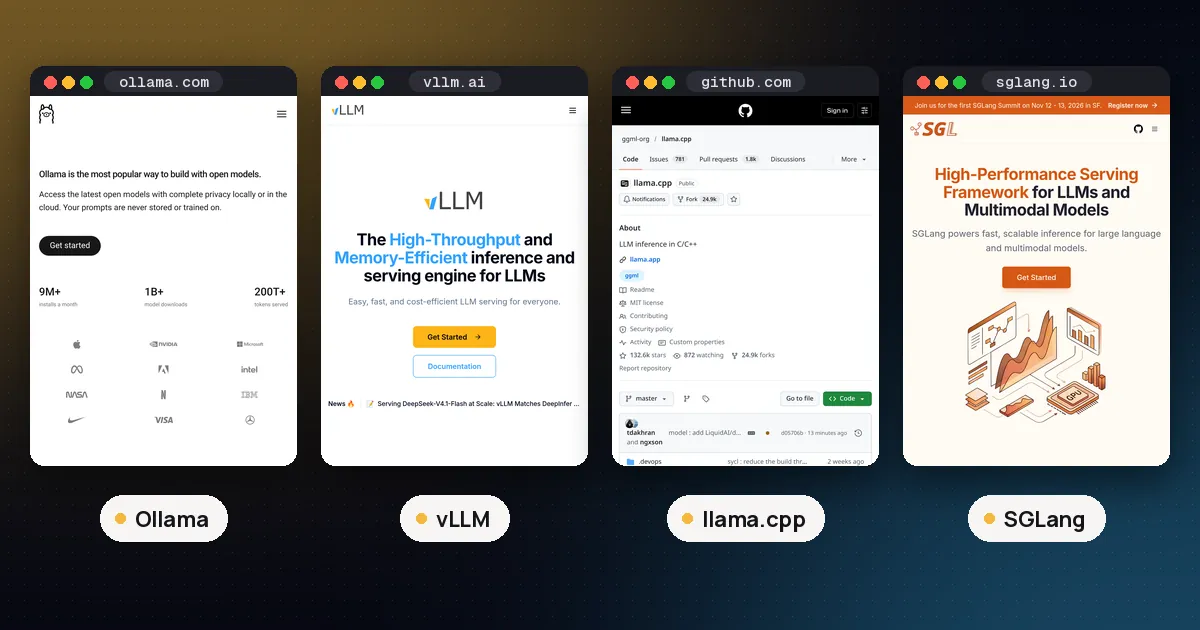
SGLang is a free, open source (Apache 2.0) inference engine for serving language, vision and diffusion models on GPU servers, and the main alternative to vLLM. Its RadixAttention keeps computed KV cache in a radix tree keyed by token prefix, so requests that share a prefix, such as agent loops and multiturn chat, skip repeated work. Pick SGLang or vLLM when many users hit one model on data centre GPUs; pick llama.cpp when one person runs a quantized model on a laptop, a consumer GPU or a Mac. SGLang's latest release is v0.5.22 (October 19, 2026), and vLLM's is v0.32.0 (October 18, 2026).
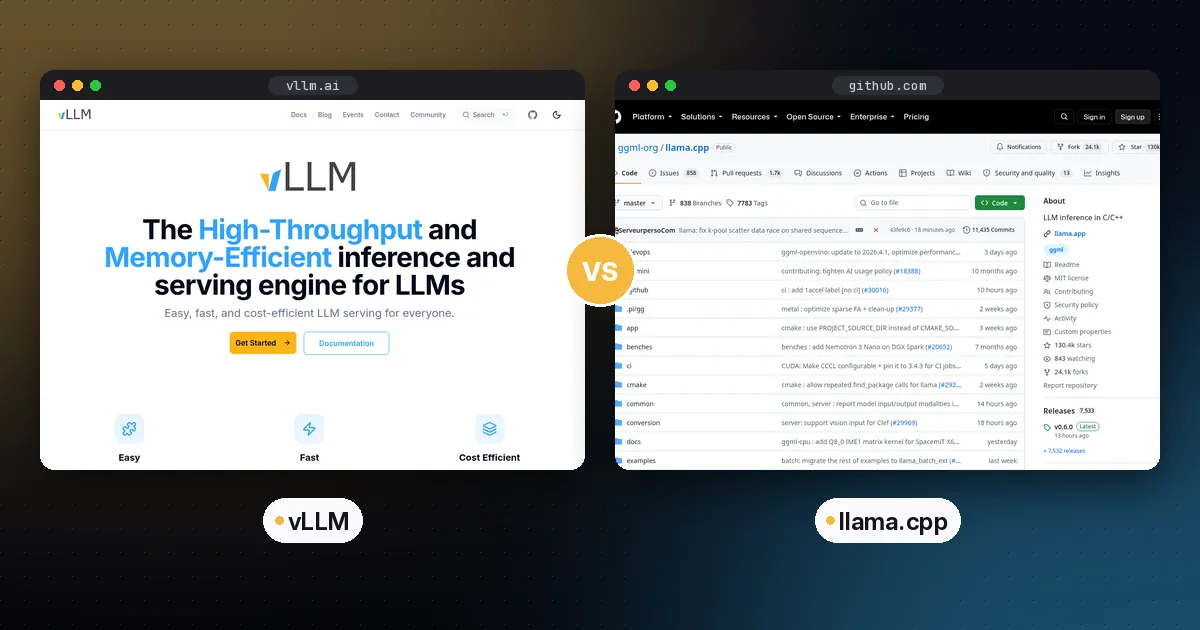
vLLM vs llama.cpp comes down to who you are serving. vLLM serves many simultaneous requests on data centre GPUs. llama.cpp runs one model efficiently on almost any hardware, usually from quantized GGUF files. One person running a model locally should use llama.cpp or a wrapper like Ollama. A team putting a model behind an API on NVIDIA or AMD GPUs should test vLLM and SGLang side by side.
The SGLang section below explains how RadixAttention works, how to start SGLang with Docker, what v0.5.22 changed and what independent benchmarks say about SGLang vs vLLM.
vLLM vs llama.cpp vs SGLang vs Ollama at a glance
| Item | vLLM | SGLang | llama.cpp | Ollama |
|---|---|---|---|---|
| Written in | Python and PyTorch, with custom kernels | Python and PyTorch, with custom kernels | C and C++ | Go, with llama.cpp and MLX engines |
| Licence | Apache 2.0 | Apache 2.0 | MIT | MIT |
| Latest release (checked October 25, 2026) | v0.32.0, October 18 | v0.5.22, October 19 | rolling builds, b11880 on October 25 | v0.40.11, October 23 |
| KV cache idea | PagedAttention (paged blocks) | RadixAttention (prefix tree reuse) | Slots with prompt cache | Inherits llama.cpp |
| Sweet spot | High throughput multiuser GPU serving | High throughput serving, agent workloads, RL rollouts | Local and edge inference on any hardware | Easy local model server |
| Typical model format | Hugging Face safetensors, plus FP8, AWQ, GPTQ, GGUF and more | Hugging Face safetensors and quantized variants | GGUF | Its own library, GGUF imports, MLX on Macs |
| Start command | vllm serve <model> | sglang serve <model> | llama serve -hf <repo> | ollama run <model> |
| Default port | 8000 | 30000 in the official examples | 8080 | 11434 |
| OpenAI compatible API | Yes | Yes | Yes | Yes |
| CPU only use | Supported, but not its focus | Supported on some CPUs | A core strength | Yes |
How vLLM works and why it is fast
vLLM is "a fast and easy to use library for LLM inference and serving." Its signature idea is PagedAttention, introduced in the 2023 paper Efficient Memory Management for Large Language Model Serving with PagedAttention. The KV cache, the per request memory that grows with every token, is stored in fixed size blocks, much like an operating system pages memory. The paper reports near zero wasted KV cache memory and two to four times higher throughput than the systems it compared against at the same latency.
vLLM's README adds continuous batching, chunked prefill, prefix caching, speculative decoding, several kinds of parallelism, tool calling and multi LoRA serving. It loads models from the Hugging Face Hub, supports more than 200 architectures, and runs on NVIDIA, AMD and Intel GPUs and on many CPUs, with plugins for TPUs and others.
uv pip install vllm
vllm serve Qwen/Qwen3-8B
# OpenAI-compatible server on http://localhost:8000
The current v0.32.0 release extends the NVFP4 KV cache to more NVIDIA GPU generations and adds a vllm download-kernels command for faster startup.
One quirk to know: according to the vLLM quickstart, its OpenAI compatible server hosts one model at a time, so multiple models usually means multiple processes behind a router.
How llama.cpp works and why it is everywhere
llama.cpp is plain C and C++ with no required dependencies. It targets almost every backend: CUDA, HIP for AMD, Metal for Apple Silicon, Vulkan, SYCL for Intel, many CPUs and more. Its strength is running quantized GGUF models, from roughly 1.5-bit to 8 bit, with CPU plus GPU hybrid inference when a model does not fit in VRAM.
Its built in server has parallel slots, continuous batching, function calling, OpenAI compatible routes, a router mode for several models and a web UI.
llama serve -hf ggml-org/gpt-oss-20b-GGUF
# OpenAI-compatible server and web UI on http://127.0.0.1:8080
Where SGLang fits
SGLang is the other major open source serving engine, released under Apache 2.0 and positioned for agentic workloads, RL rollouts and large scale serving. The name stands for Structured Generation Language, and LMSYS introduced it in January 2024 for apps that make many related model calls. SGLang's README lists NVIDIA, AMD, Google TPU, Intel, Apple Silicon, Huawei Ascend and Moore Threads hardware, and several RL post training frameworks (verl, slime, AReaL and others) use it to generate rollouts; our GRPO vs PPO guide explains why rollout speed dominates that kind of training. On Macs it runs through Metal and MLX. It also ships SGLang Diffusion for image and video models, which BFL lists among the day one servers for FLUX 3 Klein.
How RadixAttention works
Every request has two stages. Prefill computes attention keys and values for the whole prompt; decode then generates tokens one at a time and reuses those stored values, the KV cache. Agents and chat apps repeat themselves: every call resends the same system prompt and tool definitions plus a history that only grows. SGLang's original paper answered that with RadixAttention.
As Red Hat Developer describes it (October 14, 2026), SGLang stores computed KV cache in a radix tree keyed by token prefix. A new request walks the tree, reuses everything that matches and computes only the new part, and branches that have not been used recently are evicted first. Cache aware scheduling runs requests that share a prefix close together, so the cached branch is still in memory when they need it. vLLM attacks the same KV cache problem from the memory side, and today both engines offer prefix caching, continuous batching, chunked prefill, structured outputs and speculative decoding.
How to run SGLang (Docker or uv)
The SGLang quickstart targets Linux with an NVIDIA GPU and a CUDA 13 compatible driver. With Docker and the NVIDIA Container Toolkit set up:
docker pull lmsysorg/sglang:latest
docker run --rm --gpus all --ipc=host -p 30000:30000 \
  lmsysorg/sglang:latest \
  sglang serve Qwen/Qwen3-0.6B --host 0.0.0.0 --port 30000
Without Docker, uv pip install --prerelease=allow sglang in a Python 3.12 environment, then run the same sglang serve command. Wait for "The server is fired up and ready to roll!", then send an OpenAI style request to http://localhost:30000/v1/chat/completions. For model specific flags, the SGLang cookbook gives a launch command per model and GPU; our Qwen 3.6 guide, for example, uses SGLang's --reasoning-parser qwen3.
What is new in SGLang v0.5.22
The v0.5.22 release notes (October 19, 2026) list a new InstantTensor loader the project says loads models 10x faster, prefill and decode disaggregation with up to 27% more throughput on long prompt workloads, HiSparse support for EAGLE and MTP speculative decoding with the KV cache in CPU memory (see our KV cache quantization guide), and a standard PyTorch backend on Apple Silicon Macs alongside MLX.
These are the project's own numbers on its own hardware, so measure on yours. For a newer engine in the same space, see our DeepInfer explainer, and for one specific box, our SGLang vs vLLM on DGX Spark guide.
SGLang vs vLLM benchmarks: what they show and miss
The Red Hat article samples Modal's LLM Engineer's Almanac, which tested both engines with default settings on NVIDIA GPUs. For Llama 3.1 8B on one H100, it took the highest request rate at which each engine still returned the first token in under one second at p95:
| Workload (tokens in / out) | vLLM | SGLang |
|---|---|---|
| 1024 / 128 (RAG, summaries) | 17.08 req/s | 16.88 req/s |
| 128 / 1024 (code generation) | 5.34 req/s | 6.50 req/s |
| 2048 / 2048 (long chat) | 1.23 req/s | 1.25 req/s |
Modal's conclusion, as Red Hat reports it, is that the two perform comparably out of the box. The catch: the test prompts are random chunks of Pride and Prejudice, so very few requests share a prefix. That is a fair test of independent requests, but it does not measure the prefix reuse where RadixAttention earns its keep. Red Hat is also vLLM's largest corporate contributor, so read its framing with that in mind. Run your own traffic on your own GPUs with a load tool such as GuideLLM before you choose.
Where Ollama fits
Ollama is a convenience layer for a developer laptop or a small internal box, not a high throughput multi GPU engine. Ollama vs llama.cpp vs LM Studio covers the local side; Ollama vs vLLM covers when to move to a server.
Throughput vs latency: the distinction that decides it
Most "which is faster" arguments mix up two different measurements.
- Single user speed is how quickly one person sees tokens appear. On one consumer GPU with a quantized model, llama.cpp is very competitive, and it can run models that would not fit in vLLM's default 16 bit format at all.
- Aggregate throughput is the total tokens per second across many users. Here, vLLM and SGLang's batching and KV cache management let one GPU serve far more requests at once.
So a one prompt test on a gaming PC tells you little about serving 50 users on an H100.
Hardware and model format considerations
- Memory headroom. vLLM preallocates most of the GPU's memory by default; llama.cpp allocates what the model and context need.
- Quantization. vLLM supports FP8, MXFP4, NVFP4, INT8, INT4, GPTQ, AWQ, GGUF and more, but its fastest paths are the GPU native formats. llama.cpp's sweet spot is GGUF k-quants and i-quants; see our GGUF quantization guide.
- Apple Silicon. llama.cpp and MLX based tools are the natural fit on a Mac. vLLM and SGLang list Apple Silicon support, but the Mac is not their main target.
- Model support. vLLM and SGLang usually support new architectures quickly, since they build on Transformers style model definitions in PyTorch. llama.cpp implements each architecture in C++, often within days for popular models.
Pros and cons
vLLM
- Pros: top tier multiuser throughput; PagedAttention and prefix caching; broad GPU and quantization support; multi LoRA serving; OpenAI and Anthropic compatible APIs; Apache 2.0.
- Cons: heavier install with PyTorch and CUDA dependencies; aimed at GPUs; one model per server process; overkill for a single user.
SGLang
- Pros: RadixAttention prefix reuse with cache aware scheduling suits agents and multiturn chat; level with vLLM in independent default tests; wide hardware list; popular for RL rollouts.
- Cons: similar heavy dependencies to vLLM; fast moving, so pin versions.
llama.cpp
- Pros: runs nearly anywhere; tiny footprint; excellent quantization; hybrid CPU and GPU offload; capable server with batching and router mode; MIT licence.
- Cons: lower peak throughput than vLLM or SGLang on large GPU servers; GGUF conversion needed; fewer distributed serving features.
Which should you choose?
- Personal use on a laptop, desktop or Mac: llama.cpp, or Ollama or LM Studio on top of it.
- A small team sharing one consumer GPU: llama.cpp's server with several parallel slots is often enough and much simpler to run.
- A product or internal API on data centre GPUs: vLLM, and benchmark SGLang against it.
- Agent heavy traffic with long shared prompts, or RL training rollouts: give SGLang a serious look.
- Serving many fine tuned LoRA adapters on one base model: vLLM's multi LoRA support.
Our guide to run gpt-oss locally serves one model with Ollama, llama.cpp and vLLM; gpt-oss or Qwen models make good test subjects. Before buying hardware for either engine, size the memory with our VRAM guide.
FAQ
What does SGLang stand for?
Structured Generation Language. It was built for programs that make many related model calls, such as multiturn chat, extraction pipelines and agents that branch and loop, which is why its core feature reuses the KV cache across shared prefixes.
What is SGLang used for?
SGLang serves open weight language, vision and diffusion models behind an OpenAI compatible API on GPU servers. Teams use it for high traffic APIs, agent workloads that reuse long prompts (thanks to RadixAttention), and generating rollouts for reinforcement learning. It is free under Apache 2.0, and its server speaks the OpenAI chat completions format on port 30000 by default.
Is SGLang faster than vLLM?
Not by default on independent requests. In Modal's tests of Llama 3.1 8B on an H100, the two were within 2% on summaries and long chat, and SGLang served about 22% more requests per second on code generation. SGLang tends to pull ahead when many requests share a long prefix, which those tests did not measure. Run your own model, prompt lengths and concurrency on your own GPUs before you choose.
SGLang vs Ollama: which should I use?
Use Ollama on a single machine where easy setup matters: ollama run downloads and starts a quantized model in one step. Use SGLang to serve many users on GPU servers, where batching and prefix caching raise total throughput.
Does SGLang run on AMD GPUs, a DGX Spark or a Mac?
Yes. Its README lists AMD Instinct MI300X, MI325X, MI350X and MI355X, NVIDIA hardware from RTX 30 series cards to B300, including DGX Spark and Jetson Orin, plus Google TPU v6e and v7 (through SGLang-TorchTPU and SGL-JAX), Intel, Huawei Ascend, Moore Threads and Apple Silicon Macs through Metal and MLX. NVIDIA GPUs remain the main target, so check the cookbook for your model and hardware pair.
Is vLLM faster than llama.cpp?
For many concurrent users on data centre GPUs, vLLM typically delivers much higher total throughput thanks to batching and PagedAttention. For a single user on consumer hardware with a quantized model, llama.cpp is often just as fast or faster, and it runs on hardware vLLM does not target.