The best local LLM for image generation is not a language model at all. Chat models such as Llama, Qwen or Gemma only write text, so for pictures you need an open image model. Our picks as of October 21, 2026: FLUX 3 Image Klein for the best quality on an 8 GB NVIDIA card, Z-Image Turbo for fast, permissive commercial use on 16 GB, and Qwen-Image 2.1 for text inside images, editing and transparent output if your use is non commercial.
Language models still matter here. Modern image models use one as the text encoder that reads your prompt, and some ship a second one that rewrites short prompts into long captions. This guide explains that split, then compares the open image models you can run yourself by license, memory and strengths, and shows the simplest ways to run them.
Why an LLM cannot draw, and where it still helps
A large language model predicts the next token of text. Image models are diffusion transformers: they start from noise and remove it step by step until a picture appears. That is why you will not find an image button in a plain Ollama chat model or in llama.cpp.
The two kinds of model now work as a team, though. FLUX 3 Image Klein reads prompts with Qwen3-VL-4B-Instruct, and Black Forest Labs pairs it with a 9B prompt upsampler fine tuned from Qwen3.5-9B. Qwen-Image 2.1 uses Qwen3-VL 8B as its text encoder and offers two 9B prompt rewriting models. HiDream-I1 downloads Meta-Llama-3.1-8B-Instruct as one of its encoders. So when people search for a local LLM image generator, the practical answer is an image model whose prompt side is a language model.
Best local image models at a glance
Licenses and sizes below come from each model's official card on Hugging Face, checked on October 21, 2026. Parameter counts cover the image transformer only, not the text encoder.
| Model | Released | Image model size | License | Pick it for |
|---|---|---|---|---|
| FLUX 3 Image Klein | Oct 2026 | 5.6B | FLUX Kommunity License (commercial under US$5M revenue) | best quality on 8 GB NVIDIA cards, editing with up to 10 references |
| Qwen-Image 2.1 and 2.1 Turbo | Sep and Oct 2026 | 7B | Qwen Research License (non commercial) | text in images, transparent RGBA output, editing |
| Z-Image Turbo | Nov 2025 | 6B | Apache 2.0 | fast photorealism, English and Chinese text, commercial use |
| FLUX.2 klein 4B | Jan 2026 | 4B | Apache 2.0 | commercial generation and editing on about 13 GB |
| Qwen-Image 2512 | Dec 2025 | 20B | Apache 2.0 | large permissive model for big GPUs |
| HiDream-I1 | Apr 2025 | 17B | MIT (encoders keep their own licenses) | permissive research and tinkering |
| Stable Diffusion 3.5 Large and Medium | Oct 2024 | 8.1B and 2.5B | Stability Community License (free under US$1M revenue) | small GPUs, existing SD workflows |
There is no single winner, because the license often decides before quality does. If you sell images or build a product, start with the Apache 2.0 rows.
Best for 8 GB GPUs: FLUX 3 Image Klein
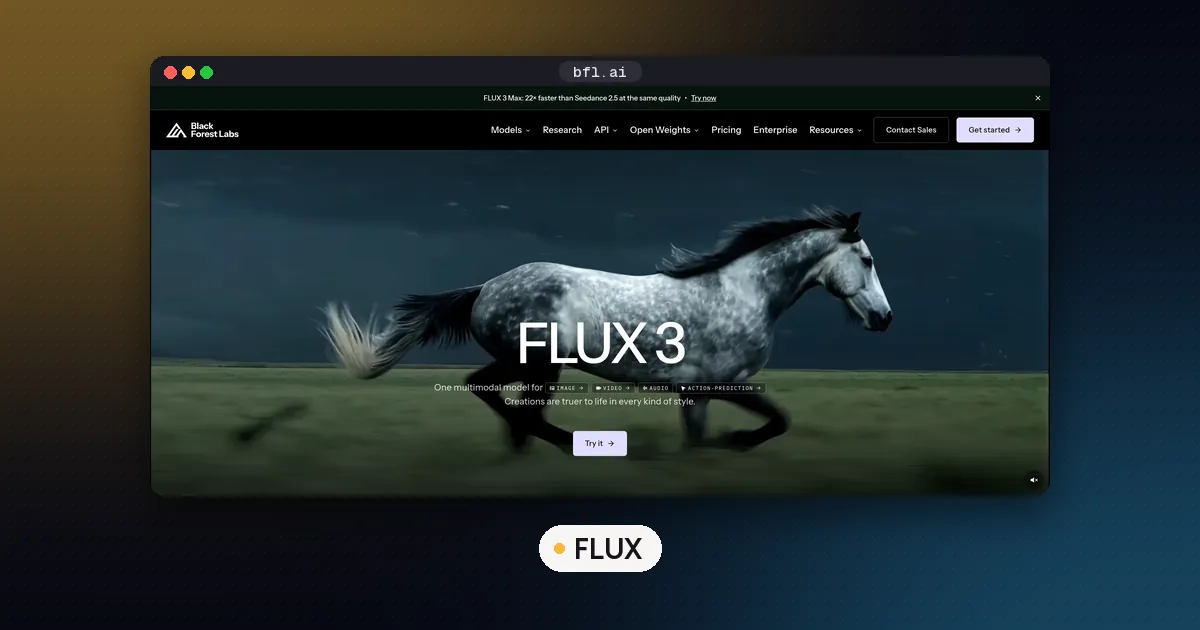
FLUX 3 Image Klein came out on October 15, 2026, and it is the newest model on this list. Per Black Forest Labs' ComfyUI model card, the int8 files run on 8 GB GPUs such as the RTX 3070, and one model handles text to image, editing and multi reference generation. The distilled checkpoint uses 16 steps with no guidance. For posters and images with lots of text, the Apache 2.0 MOSS-Image also runs in ComfyUI.
Two catches. First, you really need the prompt upsampler, and even its smallest file is 6.7 GB, so ComfyUI swaps parts between system RAM and the GPU on small cards. Second, the Kommunity License allows commercial output only for users under US$5M in annual revenue. Our FLUX 3 Klein in ComfyUI guide has the file table and the exact download command. On a Mac, start with how to run ComfyUI on Mac.
Best permissive pick: Z-Image Turbo
Z-Image Turbo from Alibaba's Tongyi Lab is a 6B model released under Apache 2.0. Its model card says it needs only 8 function evaluations (the card's Diffusers example sets 9 steps, which gives 8 transformer passes), fits within 16 GB consumer GPUs, and renders English and Chinese text accurately. It is distilled for speed, so it does not support classifier free guidance or negative prompts.
If you want to train LoRA adapters, use the undistilled Z-Image base model released in January 2026. Its card lists 28 to 50 steps, full guidance and negative prompts, and describes it as the better starting point for fine tuning.
Best for text, editing and transparency: Qwen-Image 2.1
Qwen-Image 2.1 arrived on September 20, 2026, with an 8 step Turbo checkpoint on October 9. The Qwen-Image 2.1 model card describes a 7B visual generation component that creates regular or transparent RGBA images, edits with up to 10 reference images, and improves typography. The project README lists day one support in ComfyUI, Diffusers (from source, via QwenImage21Pipeline), SGLang and vLLM-Omni, plus Intel OpenVINO for Arc GPUs.
The license is the deal breaker for many people. The Qwen Research License grants use "FOR NON-COMMERCIAL PURPOSES ONLY" and asks commercial users to request a separate license. If you need the same family under Apache 2.0, the older 20B Qwen-Image and its December 2025 update Qwen-Image 2512 are permissive, but they need far more memory.
Best for commercial editing on mid range cards: FLUX.2 klein 4B
FLUX.2 klein 4B is the only Black Forest Labs model besides FLUX.1 schnell under Apache 2.0. Its model card says it fits in about 13 GB of VRAM on cards such as the RTX 3090 or 4070, supports text to image and multi reference editing, and its Diffusers example uses 4 steps. The 9B sibling uses the FLUX non commercial license, so check which file you download.
Older but still useful: Stable Diffusion 3.5 and HiDream-I1
Stability AI's Stable Diffusion 3.5 announcement lists Large at 8.1 billion parameters and Medium at 2.5 billion, and says Medium needs 9.9 GB of VRAM excluding text encoders. The Stability Community License keeps the models free for people and organizations with less than US$1,000,000 in annual revenue. SD 3.5 is a sensible choice if your workflow and adapters already target Stable Diffusion.
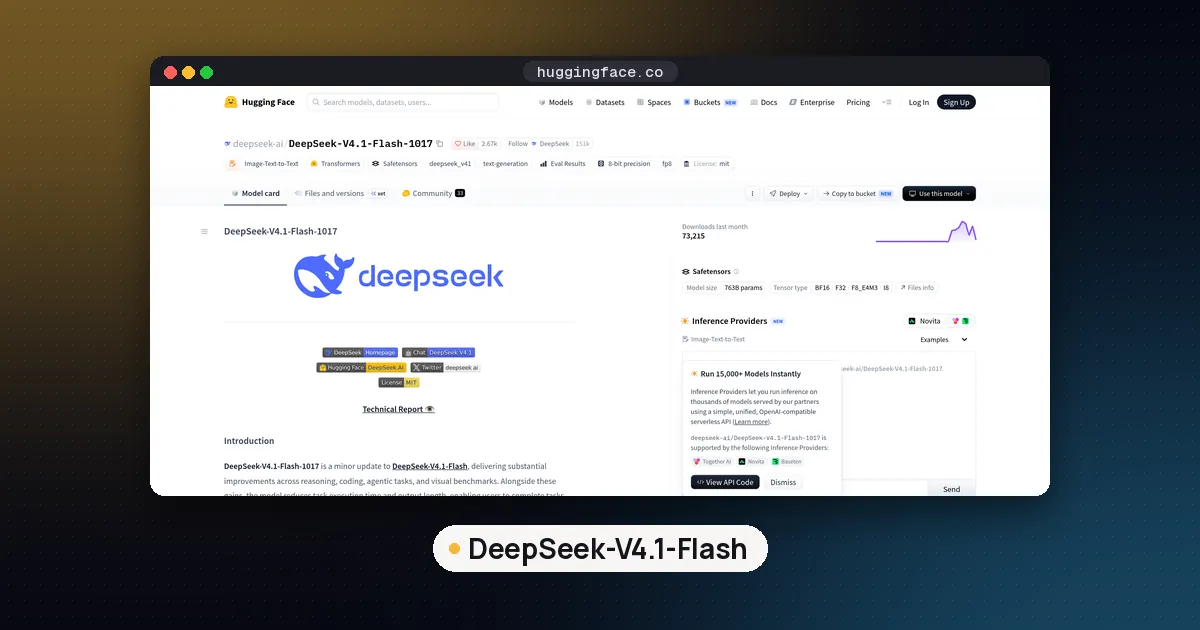
HiDream-I1 is a 17B model under the MIT license. Its card points out that the VAE comes from FLUX.1 schnell and the text encoders from T5 and Llama 3.1 8B Instruct, and that those components keep their own license terms. At that size it suits people with plenty of VRAM who want a permissive license.
How much VRAM you need
Treat the official numbers as a floor. File size is not total memory use, because the text encoder, autoencoder and any upsampler need room too, and higher resolutions cost more. A rough guide from the cards above:
| Your GPU | Good starting model |
|---|---|
| 8 GB NVIDIA | FLUX 3 Image Klein int8 in ComfyUI |
| 10 to 12 GB | Stable Diffusion 3.5 Medium, or FLUX 3 Klein with more headroom |
| 16 GB | Z-Image Turbo, FLUX.2 klein 4B |
| 24 GB and up | Qwen-Image 2.1, Z-Image base for LoRA training |
| 48 GB and up, or multiple GPUs | Qwen-Image 2512, HiDream-I1 at full precision |
The larger rows are our own estimates based on parameter counts, not vendor figures. Diffusers' enable_model_cpu_offload(), which both the Qwen and FLUX cards show, lets bigger models run on smaller cards at a speed cost. Our VRAM guide explains why weights are only part of the bill, and how to quantize LLM models covers what int8 and 4 bit formats trade away.
How to run them locally
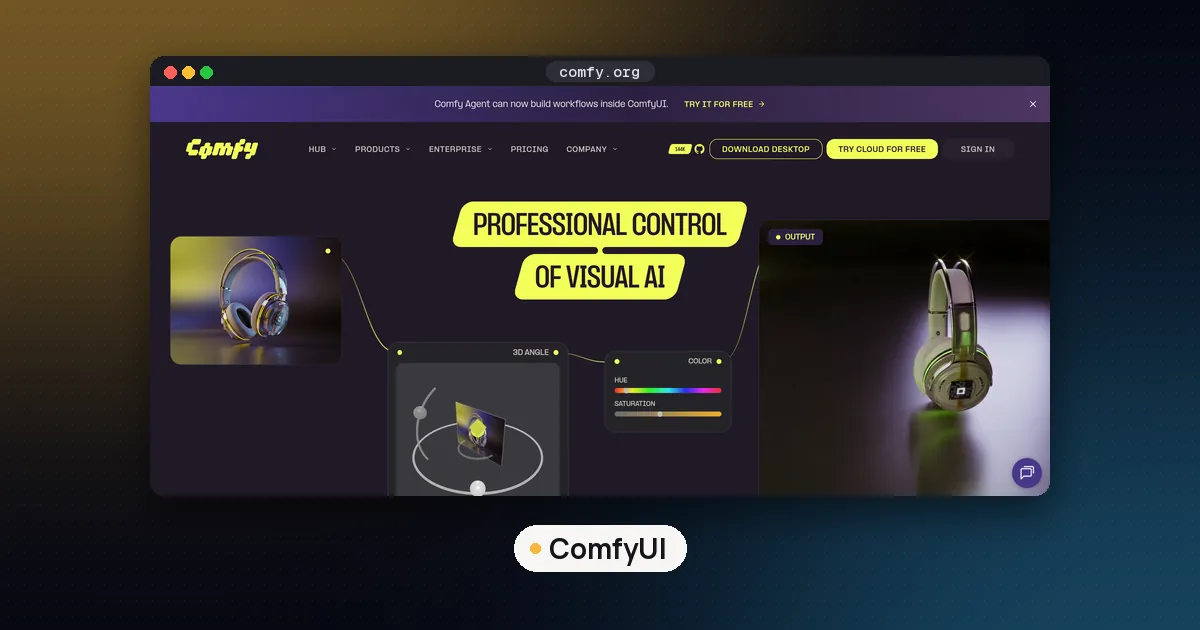
ComfyUI is the easiest route for most people. ComfyUI is where most of these models land first, and several vendors publish ready workflow files you drag onto the canvas. Download files with the Hugging Face Hub CLI after accepting any gated license.
Diffusers suits developers. Diffusers has a pipeline class per model; the newest ones (FLUX 3 and Qwen-Image 2.1) need Diffusers installed from the GitHub main branch, per their cards.
Ollama added experimental image generation on January 20, 2026. The Ollama announcement launched it on macOS with Windows and Linux "coming soon", using ollama run x/z-image-turbo and ollama run x/flux2-klein. It is the quickest way to try a model from the terminal, but it has fewer controls than ComfyUI.
For serving at scale, SGLang and vLLM (through vLLM-Omni) support FLUX 3 Klein and Qwen-Image 2.1. For Mac options on the language side, see MLX vs GGUF on Mac.
Which one should you pick?
- You have an 8 GB NVIDIA card and want the best images: FLUX 3 Image Klein.
- You need a fully permissive license for a product: Z-Image Turbo, or FLUX.2 klein 4B if you also want editing.
- You make posters, menus or stickers with lots of text, for personal or research use: Qwen-Image 2.1 Turbo.
- You plan to train your own style: Z-Image base, or FLUX 3 Klein Base if the Kommunity License fits you.
For language models to run next to these, see open source LLM models to run locally, and for what the licenses mean, read open weight vs open source.
FAQ
What is the best open source LLM for image generation?
No language model generates images by itself. Among open image models, Z-Image Turbo and FLUX.2 klein 4B are the strongest picks under Apache 2.0, which permits commercial use. FLUX 3 Image Klein and Qwen-Image 2.1 are newer, but their licenses limit commercial use.
Can I generate images with Ollama?
Yes, experimentally. Ollama's January 2026 announcement added Z-Image Turbo and FLUX.2 klein on macOS, with Windows and Linux listed as coming soon. Generated images save to your current directory. For more control, ComfyUI remains the better tool.
What is the best local model for video generation?
This guide focuses on images, but one widely used open option is Wan2.2 TI2V-5B from Alibaba's Wan team. Its model card says it does text to video and image to video at 720P and 24 fps under Apache 2.0, and runs on a single consumer GPU such as the RTX 4090.
Is a local image generator better than a cloud one?
Local models cost nothing per image, keep your prompts and files on your own hardware, and let you train LoRA adapters. Cloud services need no GPU and often run larger proprietary models. If you generate a lot of images or handle private material, local is usually worth the setup.
Do I need an NVIDIA GPU?
Most official guidance targets NVIDIA cards. Qwen-Image 2.1 lists Intel OpenVINO support for Arc GPUs and Core Ultra integrated graphics, and Ollama's image generation launched on macOS first. Expect fewer options and slower speeds outside NVIDIA hardware.